
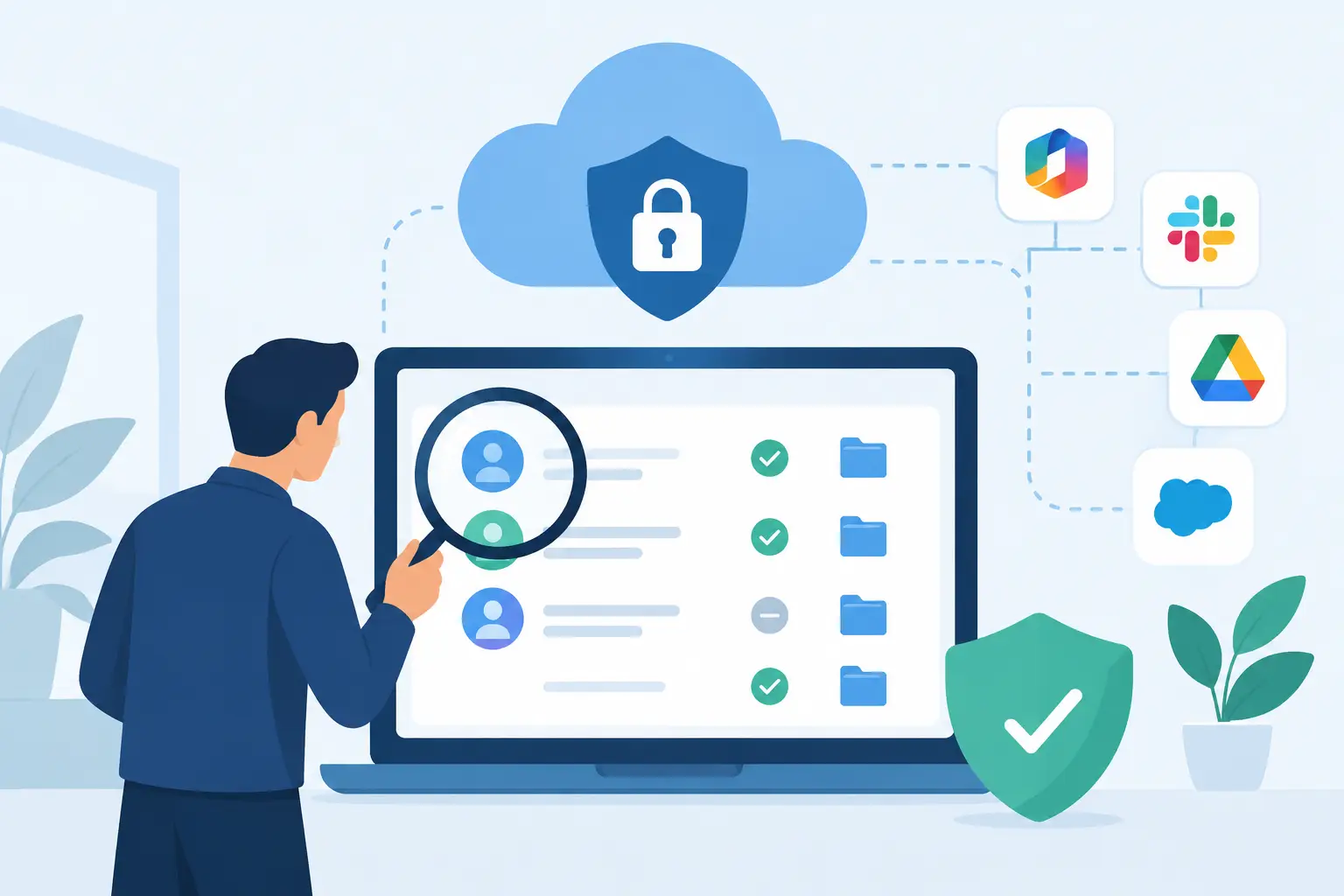
A former employee still has access to a shared cloud drive. A marketing integration can read mailbox data it no longer needs. An administrator account has global privileges because it was quicker at the time. These are common findings when organisations learn how to audit SaaS permissions - and each can create a route to sensitive data, account takeover or an avoidable compliance incident.
SaaS access is often granted gradually, across collaboration platforms, finance systems, CRM tools, HR applications and specialist line-of-business software. The challenge is not simply finding who has access. It is establishing whether that access is necessary, proportionate, governed and visible to the people accountable for risk.
What a SaaS permissions audit should achieve
A SaaS permissions audit is a structured review of users, roles, privileged accounts, external collaborators, service accounts and connected applications. Its purpose is to reduce unnecessary access while preserving the way teams need to work.
For UK organisations, the exercise should support more than security hygiene. It should provide evidence for governance, risk and compliance processes, improve offboarding controls, and clarify which business owners are accountable for access decisions. If an incident occurs, a current permissions record also makes it easier to understand what data or systems may have been exposed.
The scope will depend on your environment. A smaller organisation may begin with Microsoft 365, Google Workspace, Salesforce and its finance platform. A larger enterprise may need to include hundreds of SaaS applications, multiple identity providers, acquired business units and supplier-managed tenants. Start with the services that contain regulated, commercially sensitive or operationally critical data rather than attempting to review everything at once.
Build an inventory before reviewing permissions
Permission reviews fail when they start with a spreadsheet of user accounts but omit the applications and integrations around them. First, build a defensible SaaS inventory. Procurement records, single sign-on logs, expense claims, browser discovery data and vendor registers can all reveal applications that IT does not centrally manage.
For each application, record the business owner, technical administrator, data types held, identity method, licence tier, user population and integrations. Note whether the platform supports role-based access control, multi-factor authentication, audit logging and automated provisioning. These details determine how practical remediation will be later.
Shadow IT requires judgement. Not every unapproved tool represents the same level of risk. A low-cost scheduling tool with no company data is different from a file-sharing service holding client information. Prioritise based on data sensitivity, the number of users, internet exposure, contractual obligations and whether the application has access to another core system.
This inventory should also include non-human identities. API keys, service accounts, automation accounts and OAuth-connected applications can retain powerful access long after the original project has ended. They are frequently missed because they do not appear in a conventional joiner, mover and leaver process.
How to audit SaaS permissions in practice
With the inventory established, review access in layers. Begin with the identity provider, then validate what each SaaS platform grants once a user or application is authenticated. Single sign-on reduces password risk, but it does not automatically enforce least privilege inside every application.
Review users, groups and privileged roles
Export current users, groups and roles from each priority application. Compare them against the authoritative HR or contractor record. Look first for departed staff, dormant accounts, duplicate identities, shared accounts and contractors whose end dates have passed.
Then focus on elevated access. Global administrators, billing administrators, security administrators and data export roles deserve particular scrutiny because compromise of a single account may affect the entire tenant. Administrative privileges should be assigned to named individuals, limited to those who need them and separated from everyday user accounts where the platform allows it.
For each high-risk entitlement, ask five practical questions:
- Is there a documented business reason for this access?
- Does the individual still perform the relevant role?
- Could a lower-privilege role meet the same requirement?
- Is the access permanent when it could be time-limited?
- Is a manager or application owner prepared to attest to it?
Do not assume a department title answers these questions. Two people in the same team may need materially different permissions depending on their responsibilities, projects and segregation-of-duties requirements.
Examine external sharing and delegated access
External guests, shared links and delegated mailbox or calendar access often sit outside standard role reviews. Check whether former suppliers, advisers or partner organisations still have access, and whether anonymous sharing is enabled for sensitive repositories. In regulated sectors, establish whether external access is logged, subject to expiry dates and reviewed by a data owner.
Connected applications need the same scrutiny. OAuth consent can permit a third-party tool to read mail, files, contacts or profile data without creating a traditional user account. Review the permissions requested, the publisher, the last time the integration was used and the business process it supports. Revoke stale connections carefully, as some may underpin legitimate workflows such as document signing, payroll or customer support.
Prioritise findings by business risk
A long list of permission anomalies is not an action plan. Classify findings by the potential impact of misuse or compromise, the likelihood of exploitation and the operational cost of changing access.
A dormant global administrator in a platform containing confidential data is normally a high-priority remediation. An over-permissioned employee in a low-risk application may be scheduled for the next review cycle. This approach gives security, IT and business leaders a common basis for decisions rather than treating every exception as equally urgent.
Consider the risk created by combinations of access as well. A user with authority to create suppliers in a finance system and approve payments may present a fraud concern even if each role is valid in isolation. Likewise, an identity administrator who can reset multi-factor authentication and access sensitive collaboration data may require compensating controls, monitoring or a separate privileged account.
Record decisions in a centralised risk register. Include the application, entitlement, owner, risk rating, agreed action, target date and evidence of closure. This creates an audit trail and stops accepted exceptions becoming permanent simply because nobody revisits them.
Remediate without causing unnecessary disruption
The most effective remediation is phased. Remove clearly inappropriate access promptly, especially for leavers, unused accounts and unapproved integrations with sensitive scopes. For more complex roles, work with the application owner and affected team before changing permissions.
A pilot group is useful when redesigning access in widely used systems. Test whether revised roles allow staff to complete normal tasks, including month-end processes, incident response and urgent customer work. A technically correct least-privilege model that blocks essential activity will quickly lead to workarounds and renewed shadow IT.
Where a role needs temporary elevation, consider just-in-time or time-bound access rather than permanent administrator rights. Where the application cannot provide that control natively, document the approval route and set a review date. Compensating measures such as stronger authentication, conditional access, session logging and alerting may be appropriate, but they should not become a reason to leave excessive access unchecked indefinitely.
Make SaaS access reviews repeatable
A one-off clean-up loses value quickly. Embed access governance into operational processes: new starters receive approved role templates, movers trigger access reassessment, and leavers have accounts and active sessions disabled promptly. Application owners should attest to privileged and sensitive-data access on a defined cadence, typically more frequently for higher-risk platforms.
Automation can reduce manual effort, particularly where identity governance, SaaS security posture management or cloud access security tools integrate with your identity provider. However, technology selection should follow requirements. Some organisations need broad discovery and OAuth governance; others need stronger entitlement management, compliance reporting or data-centric controls. The right choice depends on the applications in scope, current identity maturity, internal resources and the evidence expected by auditors.
Independent assessment is valuable where supplier claims overlap. A platform may provide strong visibility but limited remediation, or excellent identity lifecycle control but little insight into unmanaged SaaS use. Evaluate coverage, integration effort, reporting quality, licensing model and the day-to-day workload placed on IT and security teams before committing.
The best permissions audit is one that gives application owners clear decisions, not just security teams more data. When access has an accountable owner, a defined purpose and a review date, SaaS growth becomes easier to govern without slowing the business it supports.