
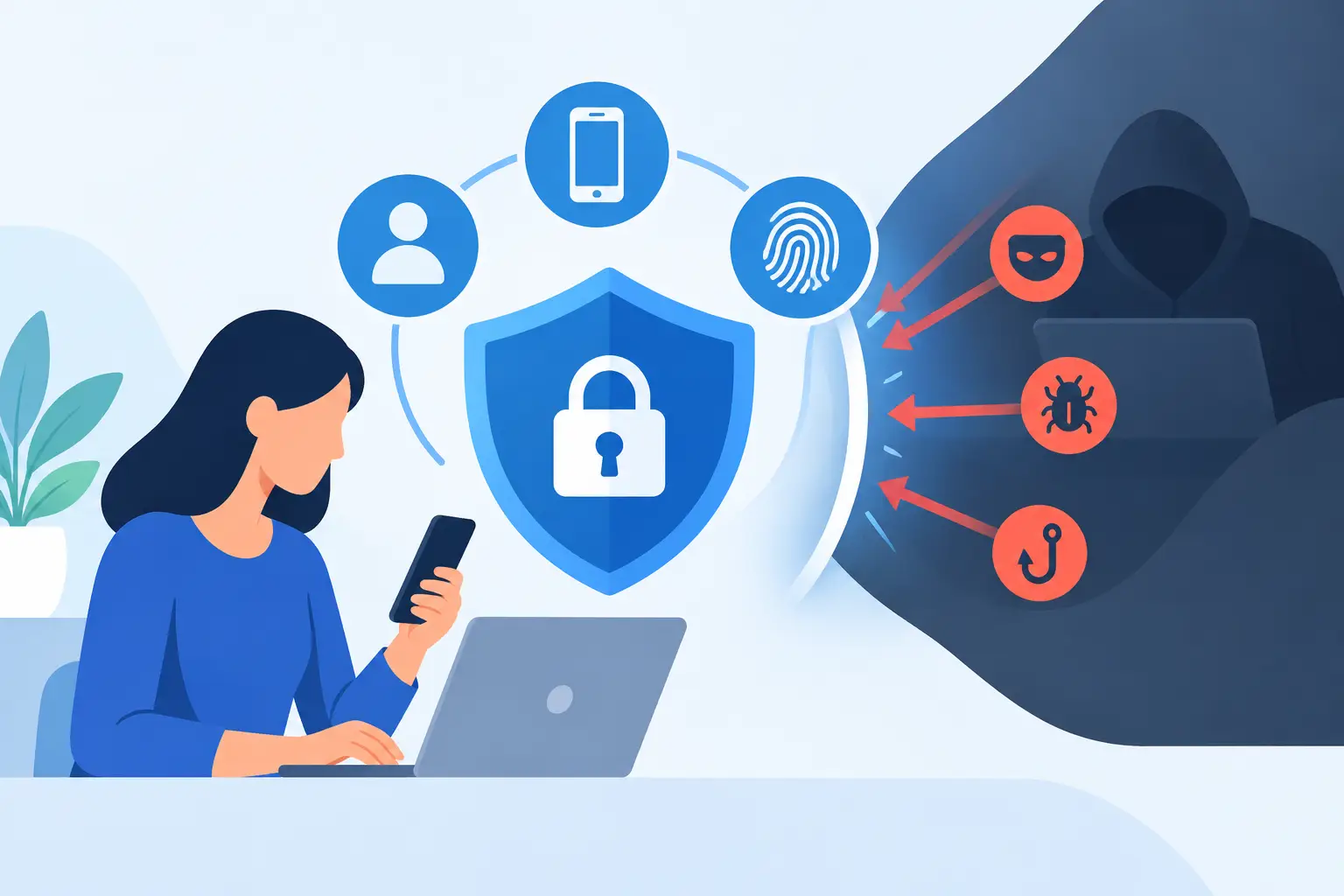
A single stolen Microsoft 365 password can expose email, SharePoint files, supplier correspondence and password-reset routes within minutes. That is why the question, can MFA prevent breaches, matters to UK organisations well beyond a basic compliance tick-box. Multi-factor authentication can stop a large proportion of account takeover attempts, but it is not a guarantee against a wider breach.
The useful buying question is not whether to deploy MFA. For most organisations, that decision is already clear. The question is which authentication methods, recovery controls, conditional access policies and monitoring arrangements will reduce the attack paths that matter to your users, systems and data.
Can MFA prevent breaches?
MFA can prevent breaches that depend on an attacker knowing, guessing, buying or reusing a password. It requires a second proof of identity, such as a device-based prompt, an authenticator app code, a hardware security key or a passkey. If an attacker has only the password, that additional check can stop them from gaining an interactive session.
This is particularly valuable against credential stuffing, password spraying and many phishing campaigns. A staff member may reuse a password exposed by an unrelated third party, or enter credentials into a convincing fake sign-in page. Without MFA, that event can become immediate access to cloud applications. With properly configured MFA, the password alone is insufficient.
However, a breach is not always a password breach. Attackers may exploit an unpatched internet-facing appliance, a vulnerable endpoint, an over-permissive SaaS integration, a compromised privileged account or a supplier connection. They may also steal an authenticated browser session after MFA has already succeeded. MFA is therefore a core identity control, not a substitute for endpoint security, email protection, vulnerability management, data controls and incident response.
Where MFA provides the greatest protection
For most organisations, priority should go to identities that can access sensitive data, administer systems or approve financial activity. This includes administrators, remote workers, finance teams, executive assistants, developers with production access and third parties supporting critical platforms.
MFA is highly effective when it sits in front of common cloud services and remote access routes: Microsoft 365, Google Workspace, VPNs, virtual desktop infrastructure, SaaS applications, password managers and privileged administration portals. It also limits the value of passwords disclosed through phishing, a risk that remains central to ransomware and business email compromise campaigns.
The control becomes more valuable when paired with context. Conditional access can require stronger authentication for an unfamiliar device, an overseas sign-in, a high-risk session or an attempt to reach a sensitive application. It can block legacy protocols that bypass modern authentication and prevent unmanaged devices accessing confidential data. These policies need careful testing, particularly where clinical, manufacturing or field-based teams use shared devices or have limited connectivity.
The attacks MFA does not automatically stop
Attackers have adapted to MFA adoption. Understanding their methods is essential when selecting an identity platform and setting policy.
Adversary-in-the-middle phishing
Modern phishing kits can proxy a legitimate sign-in process in real time. The user sees a genuine-looking page, enters their password and completes an MFA challenge. The attacker captures the resulting session cookie and uses it to access the service without repeating MFA. This technique can bypass SMS codes, app-based one-time passwords and basic push notifications.
Phishing-resistant methods are a stronger answer. FIDO2 security keys and device-bound passkeys verify the legitimate website during authentication, making them far more resistant to lookalike domains and proxy phishing. They may involve a greater rollout effort, especially for shared workstations, older applications and users without managed mobile devices, but the security benefit is substantial for administrators and high-risk roles.
MFA fatigue and approval fraud
A push notification sent repeatedly can become an annoyance. Attackers exploit this through MFA fatigue, hoping a user approves a request to stop the prompts or after receiving a plausible call from a fake helpdesk operative.
Number matching, sign-in context and limited prompt frequency reduce this exposure. Users should see enough information to recognise an unexpected request, including the application, location where available, and a number that must be entered deliberately. Security awareness training has a role here, but interface design and policy controls should not rely on users making perfect decisions under pressure.
Session theft and endpoint compromise
If malware gains control of a device or browser, it may steal tokens, cookies or active sessions. The attacker does not need to know the password or pass an MFA challenge again. This is why organisations should treat identity and endpoint security as connected control areas.
EDR or XDR can identify suspicious credential access, malicious browser activity and lateral movement. Device compliance checks can limit access from unmanaged or unhealthy endpoints. Session risk monitoring, token revocation and shorter session lifetimes may also be appropriate for high-value systems, although overly aggressive expiry settings can frustrate users and drive unsafe workarounds.
Account recovery and helpdesk processes
The strongest authentication policy can be undone by weak recovery. An attacker who persuades a service desk to reset a password, add a new authenticator or change a registered phone number may bypass MFA through the support process.
Recovery should use identity verification that is proportionate to the account’s privilege. Privileged users may need in-person verification, an approved manager workflow or a separate hardware-based recovery mechanism. Helpdesk teams need clear procedures, audit trails and escalation routes. Treating recovery as an administrative convenience rather than a security boundary is a common gap.
Choosing MFA methods by risk, not convenience alone
There is no single MFA method that suits every user group. The right design balances phishing resistance, application compatibility, workforce experience, accessibility, cost and operational support.
SMS is better than password-only access but is vulnerable to SIM-swap fraud, number porting and social engineering. It can be a transitional fallback where alternatives are not feasible, but it is a poor primary method for privileged or high-value accounts. Authenticator app codes offer an improvement over SMS and work without mobile signal, though they can still be captured by sophisticated phishing proxies.
Push authentication is convenient and can work well when number matching and contextual prompts are enabled. Its weakness is human approval error. FIDO2 hardware keys and passkeys offer the strongest mainstream protection against phishing, particularly where they are device-bound and managed through an established identity platform. Hardware keys can be well suited to administrators, executives and users handling sensitive data; passkeys may reduce friction for broader populations where device management is mature.
A procurement exercise should examine more than the headline MFA feature. Confirm support for legacy applications, Linux and macOS estates, shared devices, contractor access, offline working, break-glass accounts, delegated administration and integration with existing identity providers. Also establish whether licences, hardware tokens and support requirements fit the expected scale of deployment.
Deploy MFA as part of an identity control programme
An effective rollout begins with an accurate inventory of identities and access paths. Many organisations focus on workforce accounts while leaving service accounts, dormant accounts, local administrator credentials, supplier access and older remote access services outside policy. Those exclusions often become the route an attacker chooses.
Start by securing privileged accounts and externally accessible systems, then expand coverage through a phased programme. Remove legacy authentication where possible, enforce MFA for remote and cloud access, and establish separate emergency accounts that are tightly controlled, monitored and tested. Do not leave break-glass credentials permanently exempt without compensating safeguards.
Logging is equally important. Security teams should be able to investigate new MFA registrations, recovery events, impossible travel alerts, repeated denied prompts, consent granted to unfamiliar applications and unusual administrative activity. Centralising identity events with endpoint, email and network telemetry improves the chance of recognising an attack that MFA alone did not stop.
Governance should define who can alter authentication methods, approve exceptions and review privileged access. For regulated organisations, the evidence matters: policy records, exception registers, access reviews and incident procedures help demonstrate that identity risk is actively managed rather than assumed to be solved by a licence purchase.
Measuring whether MFA is reducing breach risk
Coverage is the first measure, but “95% enrolled” can conceal material gaps. Measure the proportion of privileged accounts using phishing-resistant MFA, the number of applications still allowing legacy authentication, the age and use of emergency accounts, and the time taken to revoke access after a suspected compromise.
Review authentication logs for denied push requests, unusual recovery activity and sign-ins from unmanaged devices. Test the process through phishing simulations, recovery exercises and controlled attempts to access critical applications from non-compliant endpoints. The outcome should inform policy changes, not simply produce an audit report.
Independent assessment is useful when identity, endpoint, email and data controls have been bought separately over time. ITR Cyber can help organisations compare suitable technologies and turn the result into a deployment plan that reflects actual risk, application dependencies and operational constraints.
MFA is one of the most cost-effective ways to make stolen passwords far less useful. Its real value appears when it is designed around the people who use it, the attackers most likely to target them and the controls ready to respond when authentication is not the point of failure.