
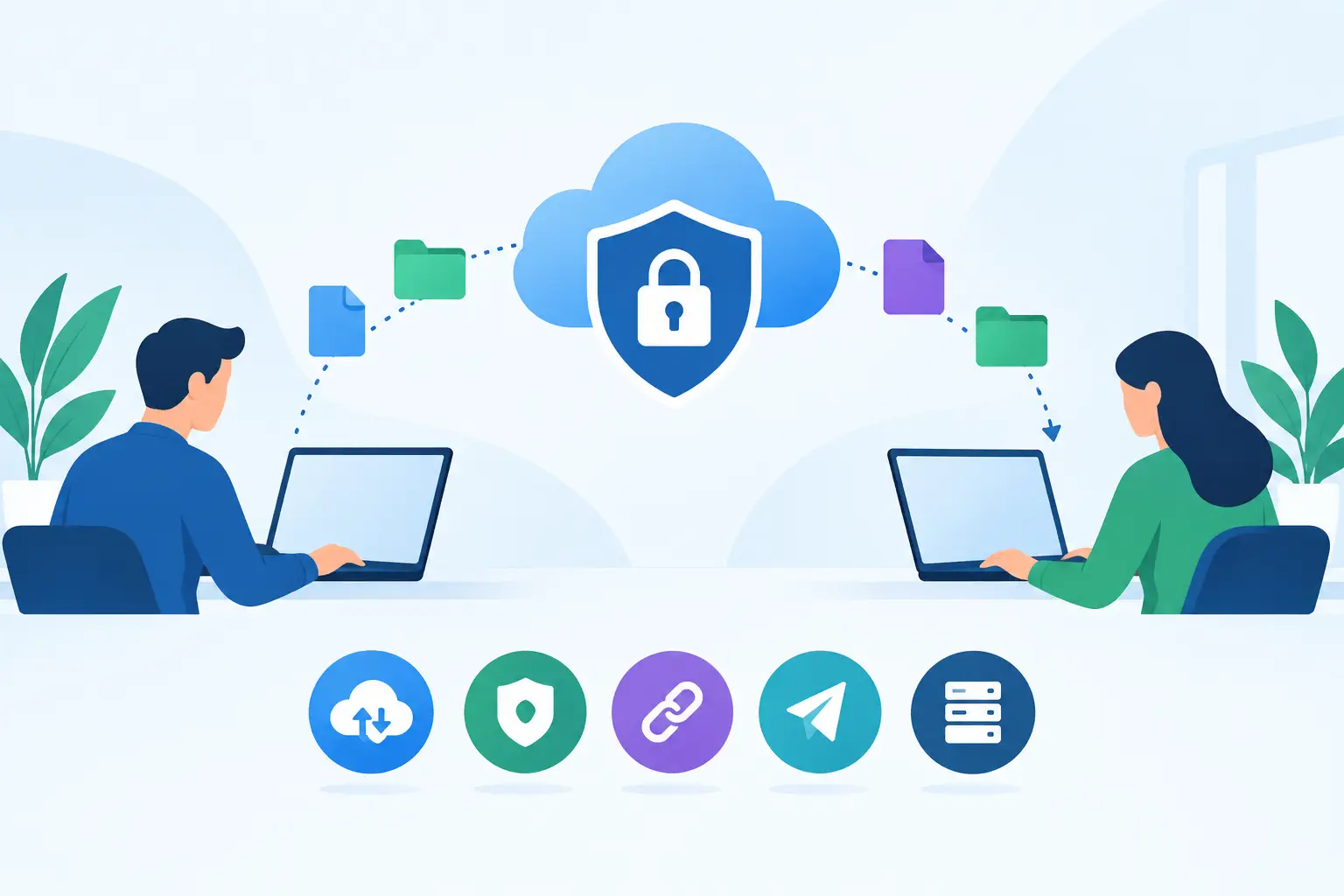
Email attachments remain one of the most common ways sensitive information leaves an organisation, despite offering limited control once a file has been sent. For UK organisations handling client records, financial data, legal documents, health information or intellectual property, secure file transfer alternatives are not simply a convenience upgrade. They are a way to reduce misdelivery, limit unauthorised access, maintain an audit trail and apply consistent governance to information moving beyond the corporate boundary.
The right option depends on the transfer model. A payroll bureau exchanging scheduled files has different needs from a law firm sharing case bundles, or a manufacturer receiving large design files from suppliers. The first may need automation and guaranteed delivery; the second may prioritise controlled external collaboration; the third may need high capacity and straightforward partner access. Treating all of these as an email problem usually creates a security and operational gap.
Why organisations move beyond email, FTP and consumer sharing
Conventional email is difficult to govern at file level. Even where message encryption is available, recipients can forward attachments, download them to unmanaged devices or retain them indefinitely. Size restrictions also encourage staff to use unsanctioned consumer file-sharing services, creating shadow IT and leaving security teams without reliable visibility of where business data resides.
Traditional FTP presents a different issue. Standard FTP does not protect credentials or file contents in transit. SFTP and FTPS improve transport security, but neither is a complete answer for every use case. An organisation may still need identity controls, expiry dates, detailed auditing, malware inspection, workflow approvals and evidence that a recipient accessed a file. The protocol is only one part of the control set.
Consumer cloud storage platforms can be useful for everyday collaboration, particularly where they are already governed through Microsoft 365 or Google Workspace. They are less suitable when a transfer requires a distinct audit trail, policy-led restrictions, secure external upload, automated delivery or separation from the main collaboration estate. The risk is not that these tools are inherently insecure. It is that they can be configured inconsistently, with permissive links and long-lived external access becoming the default.
The main secure file transfer alternatives
Secure file transfer is a broad category. Decision-makers should compare platforms according to the job they need to perform rather than selecting a product because it supports a familiar protocol.
Managed file transfer for automated, business-critical exchange
Managed file transfer, commonly called MFT, is often the strongest alternative where files move repeatedly between systems, business units or third parties. It adds centralised policy, scheduling, workflow orchestration, alerting and reporting to secure protocols such as SFTP, FTPS and HTTPS.
This approach suits batch-based processes including finance feeds, HR records, claims files, supplier data and integrations with legacy applications. A mature MFT platform can encrypt data in transit and at rest, apply key-based authentication, automate retries, validate file arrival and provide evidence for operational and compliance reviews.
The trade-off is that MFT requires design work. Teams must identify data flows, service accounts, ownership and exception handling. A poorly governed implementation can simply automate insecure practices at greater scale. For regulated or operationally critical transfers, however, that initial effort is generally justified by stronger control and reduced manual intervention.
Secure client portals and file-exchange workspaces
A secure portal is better suited to human-to-human document exchange. It gives internal users and external recipients a controlled workspace where files can be uploaded, downloaded and, in some cases, reviewed without being sent as attachments.
The most useful platforms provide granular permissions, multi-factor authentication, download restrictions, expiry policies, activity logs and branded recipient communications. Some also support secure request links, allowing an organisation to collect documents from customers or suppliers without giving them broad access to an internal repository.
For legal, financial services, healthcare and professional services teams, portals can replace ad hoc email chains with a more defensible process. They are especially valuable when recipients need a simple experience and may not be technical. The key question is whether the portal supports the organisation's required identity assurance and retention rules, rather than relying on a link that can be forwarded without meaningful control.
Enterprise content collaboration platforms
Where staff and partners need to work on files over time, a governed collaboration platform may be the more practical choice. These services are designed for document co-authoring, version control, team spaces and integration with productivity tools. They can be highly effective when external sharing is controlled by conditional access, data classification, sensitivity labels and data loss prevention policies.
This is not a direct replacement for every secure transfer requirement. Collaboration platforms may be less suitable for machine-to-machine exchange, very large files, formal delivery receipts or isolated transfers to occasional recipients. They also require careful configuration. External-sharing settings, guest lifecycle management and link permissions should be reviewed regularly, not left to default values.
Secure email and encrypted message delivery
Secure email tools are appropriate when the message context matters as much as the attached document. They can encrypt communications, authenticate recipients through a portal or one-time code, and prevent sensitive content from being transmitted in clear text.
For occasional correspondence, this can be less disruptive than asking every recipient to use a separate file-transfer service. It is not a substitute for controlled document workflows where files need to be retained, inspected, automatically processed or exchanged at scale. Security leaders should also examine how recipients authenticate and whether sent items can be recalled, expired or audited.
Virtual data rooms for high-control sharing
Virtual data rooms are designed for sensitive, structured collaboration involving a defined set of external parties. They are commonly used in mergers and acquisitions, property transactions, investment due diligence, litigation and board-level information exchange.
Their controls may include granular document permissions, watermarking, view-only modes, question-and-answer workflows and detailed activity reporting. These capabilities can be valuable where the organisation needs to demonstrate exactly who viewed a document and when. They are usually excessive for routine supplier transfers, so cost and administration should be assessed against the sensitivity and duration of the engagement.
How to assess secure file transfer alternatives
Start with the data, not the vendor shortlist. Classify what is being transferred, who receives it, how frequently it moves and what would happen if it were exposed, altered, delayed or sent to the wrong party. A file containing personal data, commercially sensitive pricing and security architecture may all require different policies even if they travel through the same platform.
Next, establish the required control baseline. For many UK organisations, this includes encryption in transit and at rest, multi-factor authentication, role-based access, audit logging, retention controls, malware scanning and a clear approach to data residency. Where UK GDPR obligations apply, the assessment should also cover processor terms, international transfers, deletion processes and the ability to respond to data subject or incident investigations.
Identity integration is often decisive. A platform that supports single sign-on, conditional access and automated user provisioning is easier to govern than one dependent on locally managed accounts. For external users, assess whether the tool can apply proportionate controls without turning every file exchange into a service desk request. Authentication should be strong, but the process must remain usable for customers, suppliers and professional advisers.
Integration matters equally for MFT deployments. Confirm whether the platform can work with existing applications, storage locations, SIEM tooling, email security controls and data loss prevention policies. Security events should reach the monitoring function with enough context to investigate abnormal downloads, failed authentication attempts or unexpected destinations.
Finally, consider ownership. Secure transfer projects often fail when responsibility is split between infrastructure, security, business operations and compliance without a named service owner. Define who approves external access, reviews audit logs, manages partner onboarding, handles failed transfers and tests recovery procedures. Technology can enforce a policy, but it cannot create one.
Avoid replacing one uncontrolled channel with another
The most common mistake is selecting a technically capable platform and allowing every team to configure it independently. This leads to inconsistent expiry periods, weak external-sharing rules, unmanaged service accounts and incomplete logs. A central policy should set minimum controls while allowing justified exceptions for operational needs.
Procurement should also look beyond licence cost. Consider implementation effort, integration requirements, storage consumption, support arrangements, user training and the cost of maintaining partner connections. The least expensive tool can become costly if it creates manual workarounds or cannot produce evidence during an audit.
An independent comparison is particularly useful where requirements span automated transfers, external document sharing and collaboration. ITR Cyber helps organisations assess the relevant capabilities across specialist vendors without forcing a business case towards a single manufacturer's product. The objective is a defensible choice that fits the data flow, operating model and risk appetite.
The best secure file transfer decision is rarely the platform with the longest feature list. It is the one that makes the approved way of sharing information easier than the workaround, while giving security, compliance and operations teams the evidence and control they need.